
The best external hard drives and SSDs are the ones that resolve all of your data storage needs. Whether you need a drive for backup purposes, transferring projects from one computer to another, or to function as a data depot while you’re out in the field, external hard drives and SSDs are among the most important—and most irreplaceable—accessories you’ll own.
But with so many external hard drives and SSDs on the market, how do you know which one is right for you? Should you go for the high-performance, high-dollar SSD speedster that travels easy and can take a beating? Or would a comparatively fragile (but more fiscally responsible) external hard drive be enough to satisfy your storage needs?
To help you choose the best external hard drive or the best external SSD for all of your data storage needs, we put together this list of our favorites.
– Best External SSD Overall: Samsung T7 Shield
– Best External SSD for Pros: SanDisk PRO-G40
– Best External SSD for Creatives: Samsung T9
– Best Rugged HD: LaCie Rugged SSD Pro5
– Best Value External SSD: PNY Pro Elite V2
– Best Desktop HD: WD My Book
– Best External SSD for Gamers: CORSAIR EX400U Survivor
Best External SSD: Samsung T7 Shield
The best external SSD for most people

Despite no longer being Samsung’s most premium offering, the T7 Shield remains our pick for the best external SSD overall, thanks to its speedy performance, excellent value, and ruggedized, go-anywhere build.
It has been four years since Samsung launched the original T7 SSD. Despite the near-universal acclaim the T7 received upon its release, it did have one notable drawback: no ingress protection. The T7 Shield remedies that omission with a more durable exterior that helps earn it an IP65 ingress protection rating, meaning it’s impervious to dirt, dust, and sand and resistant to rain or even jets of water. It’s also shock resistant up to 9.8', so you don’t have to worry if it takes a tumble or two.
Apart from its newly ruggedized build, the Shield maintains most of the features that made the original T7 so popular. Offering read speeds up to 1,050 MB/s and write speeds up to 1,000 MB/s, it’s fast enough for everyday storage tasks. AES 256-bit hardware encryption ensures your data can only be accessed by you. And despite its new rubber shielding, the T7 Shield is just as compact and portable as its predecessor. The 4TB variant comes in black while the 1TB and 2TB models come in black, blue, and beige.
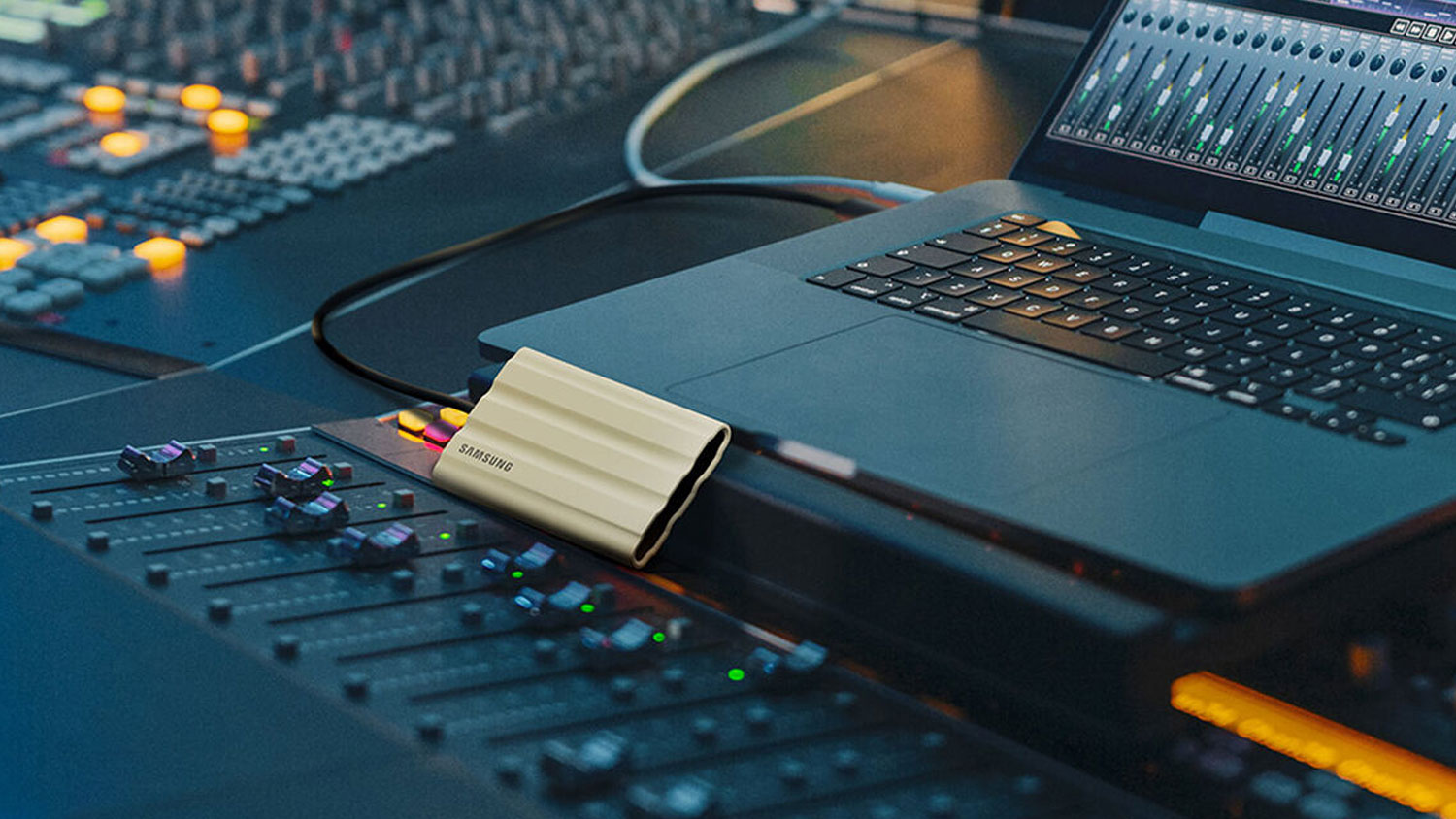
Combine those features with an extremely competitive price point and you’ll understand why we think so highly of this drive. If you’re looking for speed, security, and portability in a rugged package—with plenty of storage options and great overall value—the Samsung T7 Shield is tough to beat.
Apart from its newly ruggedized build, the Shield maintains most of the features that made the original T7 so popular. Offering read speeds up to 1,050 MB/s and write speeds up to 1,000 MB/s, it’s fast enough for everyday storage tasks. AES 256-bit hardware encryption ensures your data can only be accessed by you. And despite its new rubber shielding, the T7 Shield is just as compact and portable as its predecessor.
Combine those features with storage options up to 4TB and an extremely competitive price point and you’ll understand why we think so highly of this drive.
If you’re looking for speed, security, and portability in a rugged package—with plenty of storage options and great overall value—the Samsung T7 Shield is tough to beat.
Read: Samsung T7 Shield Hands-On Review
Best External SSD for Pros: SanDisk PRO-G40
The best external SSD for pros on the go

The SanDisk PRO-G40 SSD is our pick for best external SSD for professionals. When connected to a device compatible with Thunderbolt™ 3, the PRO-G40 can deliver read speeds up to 3000 MB/s—that’s almost three times as fast as our top pick, the T7 Shield.
Not only is the PRO-G40 faster and more versatile than the T7 Shield, it’s also more rugged, thanks to its rubber-reinforced metal housing and IP68-rated ingress protection that all but guarantees its near indestructibility.
All that extra functionality and fortitude come at a price, however. And while it’s true that the PRO-G40 is more rugged and nearly three times as fast as our top pick, the T7 Shield, it’s also three times as expensive.
Still, if you need Thunderbolt™ 3 support and increased fast transfer speeds—as many professionals do—then you can’t go wrong with the SanDisk PRO-G40. It’ll cost you more than most of the other drives on our list, but for professionals who need the very best, it’s worth every penny.
Best External SSD for Creatives: Samsung T9
The best external SSD for content creators

Content creators looking for a best-in-class SSD would be hard-pressed to find a better option than the Samsung T9. Exceptionally fast, drop-resistant, and available in multiple storage sizes up to 4TB, the T9 offers creatives everything they could hope for.
When connected to a compatible PC, the T9 delivers sequential read speeds up to 2,000 MB/s and sequential write speeds up to 1,950 MB/s—that’s nearly twice as fast as its predecessor, the T7. Achieving those speeds is only possible with a computer that supports USB 3.2 Gen 2x2, but for creatives with a compatible rig, the T9 will definitely supercharge their workflow. Not only is the T9 insanely fast, it’s also very secure thanks to its AES 256-bit hardware encryption and drop-proof design. The T9 is slightly larger and about 25% heavier than its predecessor, but it still fits easily in your pocket and is easy to carry around—perfect for creatives on the go.
Bottom line: If you’re a content creator looking for a portable SSD capable of delivering some of the fastest throughput speeds on the market, the Samsung T9 is an excellent choice.
Read: Samsung T9 Hands-On Review
Best Rugged HD: LaCie Rugged SSD Pro5
The only thing better than the Pro5's performance is its snappy blue shell
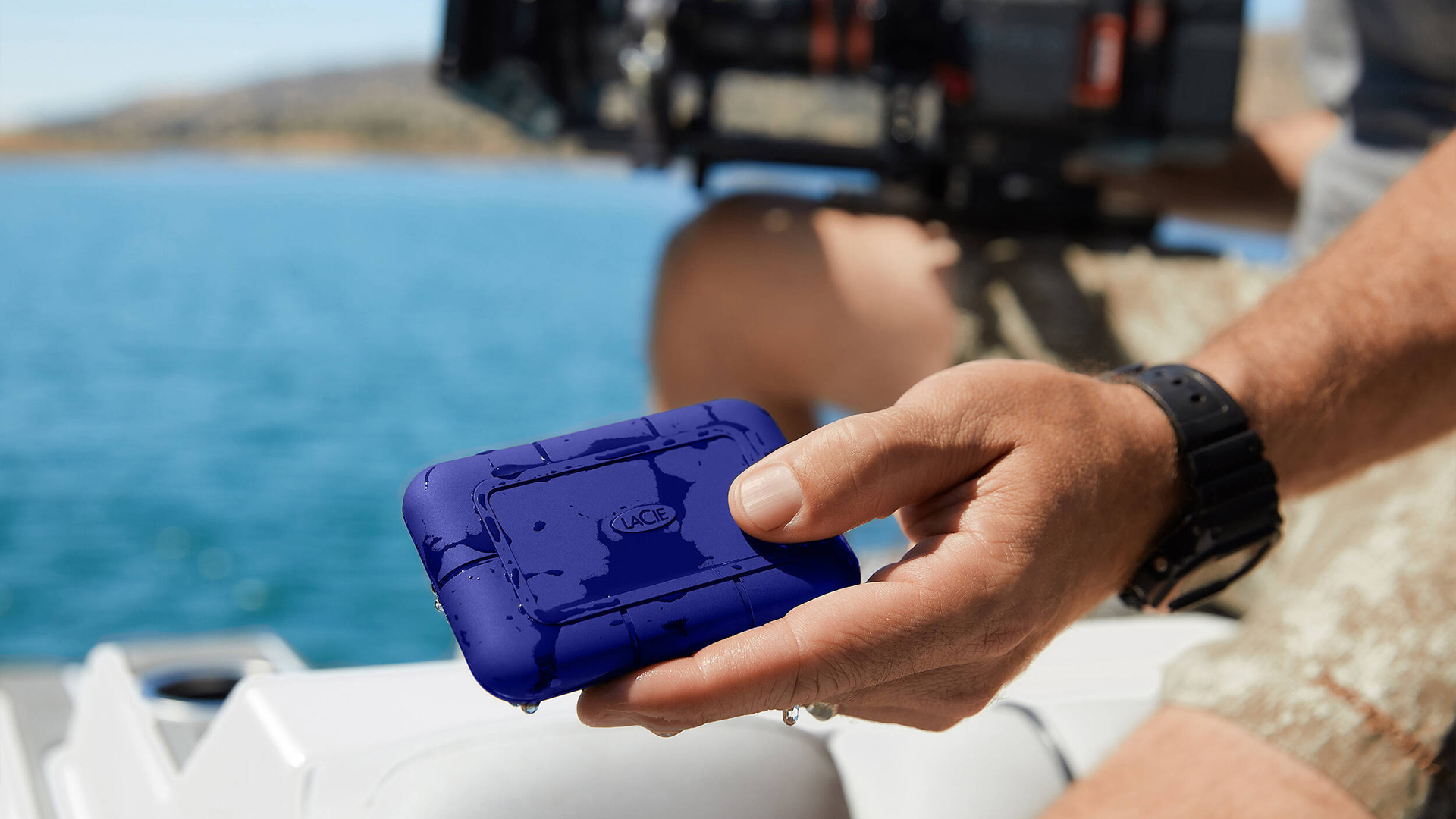
Combining reliable, top-tier performance and up to 4TB of storage into a secure, travel-friendly package, the LaCie Rugged SSD Pro5 gets our vote for the best drive that can survive the elements. It features IP68 protection against water, dust and drops up to 9.8'.
Along with those features, the Pro5 is backed by a warranty and also includes a free, one-month membership to Adobe’s Creative Cloud All Apps plan.
On top of all that, we absolutely love that the Pro5 has traded in LaCie's orange for a new blue shell. It doesn’t help performance any, but it looks cool all the same.
Best Value SSD: PNY Pro Elite V2
Premium performance at a less-than-premium price

The PNY 1TB Pro Elite is our pick for the most budget-friendly external hard drive. With the 1TB base model priced below the century mark, you have a fast and reliable drive suitable for holding all types of media. The Pro Elite V2 is a tremendous value buy, offering more bang for your buck than any other drive on our list. Not only do you get gigs of memory for pennies on the dollar, but the drive also features USB 3.2 Gen 2 connectivity for up to 1100 MB/s sequential read and write speeds.
We also really dig the Pro Elite’s design. It's slim and sleek, so it looks great and travels easily. It's also surprisingly rugged. It can withstand exposure to the elements and the shock from long drops. If you’re looking for premium performance at a sub-premium price, the PNY Pro Elite V2 is one of the best options available.
Best Desktop HD: WD My Book
Up to 22TB of storage for Mac and PC users
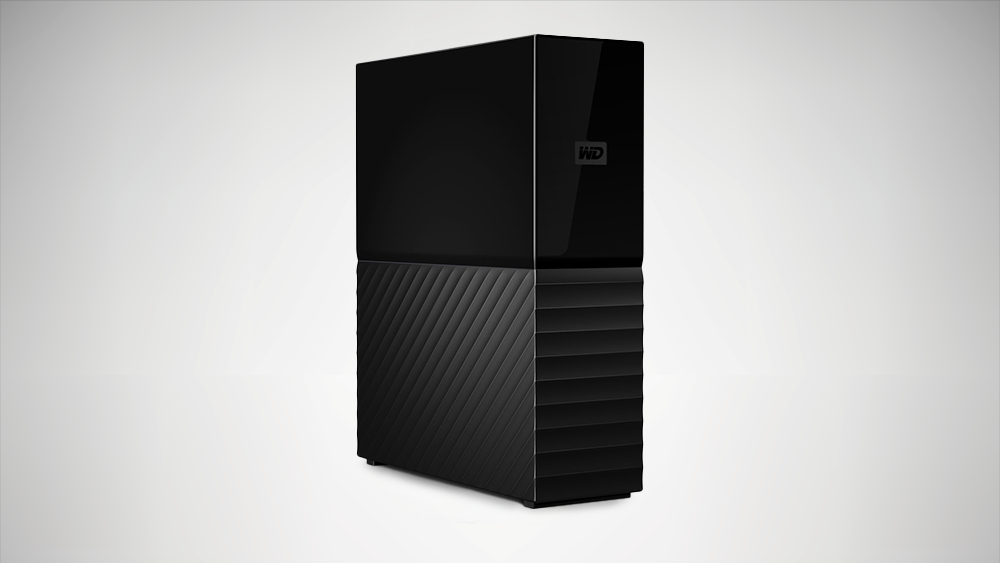
Unlike many of the external drives on our list, the WD My Book is not a portable drive. It’s a dedicated desktop drive. It requires a wall outlet to plug into and should not be moved. However, what this desktop drive lacks in portability, it makes up for in storage capacity, accessibility, and versatility. It’s preformatted exFAT, meaning it supports Windows and Mac operating systems, and its drag-and-drop operation makes it easy to use right out of the box.
The WD My Book allows you to add up to 26TB of additional storage to your current setup, making it an ideal option for even the largest of libraries. And to keep all that data secure, the My Book features 256-bit AES hardware encryption, ensuring all your private data stays private.
Best External SSD for Gamers: CORSAIR EX400U Survivor
Your secret weapon

The Corsair EX400U Survivor: Battle-tested, gamer approved The Corsair EX400U Survivor is an ideal solution for gamers who need extra storage space for their game libraries.
The EX400U is also plug-and-play compatible with the PS5, making it super convenient to use. While it’s primarily intended for console gamers, PC users can make use of the drive too. PC users won’t see the same performance compared to an internal SSD, but the EX400U will do nicely.
What to Look for in an External Storage Drive
Shopping for a new external hard drive or portable SSD? Before you purchase your next drive, be sure to consider the following:
-
Drive Type: External storage drives come in two distinct flavors: hard drive (HD) and solid-state drive (SSD). Hard drives are the more antiquated of the two. They employ spinning platters to store your data. External hard drives tend to be more cost-efficient and affordable, offering gigabytes of memory for mere pennies. They’re also slower, more fragile, and less reliable when it comes to safeguarding your data—especially from drop damage. SSDs, on the other hand, forgo spinning platters and all other moving parts. Not only are they more durable, but SSDs are smaller (and thus more portable) and significantly faster than external hard drives. The one drawback to SSDs is that, comparatively speaking, they tend to be more expensive than their spinning counterparts.
-
Connection: Most of the drives on our list use a USB Type-C connector, which has long since replaced USB Type-A as the faster and more ubiquitous interface among storage drives. Generally speaking, you too should avoid USB Type-A based drives, as they’ll likely deliver subpar performance compared to their Type-C counterparts. Don’t worry if your laptop or PC only has USB Type-A ports. Even though a Type-C connector isn’t physically compatible with a Type-A port, the underlying USB standard is. You’ll just need an adapter to connect the two.
-
Capacity: Arguably the most important factor to consider when shopping for an external drive, the storage capacity tells you whether a drive has enough room to handle all of your data. For most people, 1TB to 2TB of storage is enough. External drives in this range are capacious enough to back up most laptops with room to spare. On the other hand, if you’re someone who regularly works with larger files (e.g., uncompressed media), you’ll likely need more space.
That does it for our external hard drive and SSD roundup. There are a lot of great drives available that could have made our list (maybe we’ll see them in a future article).
